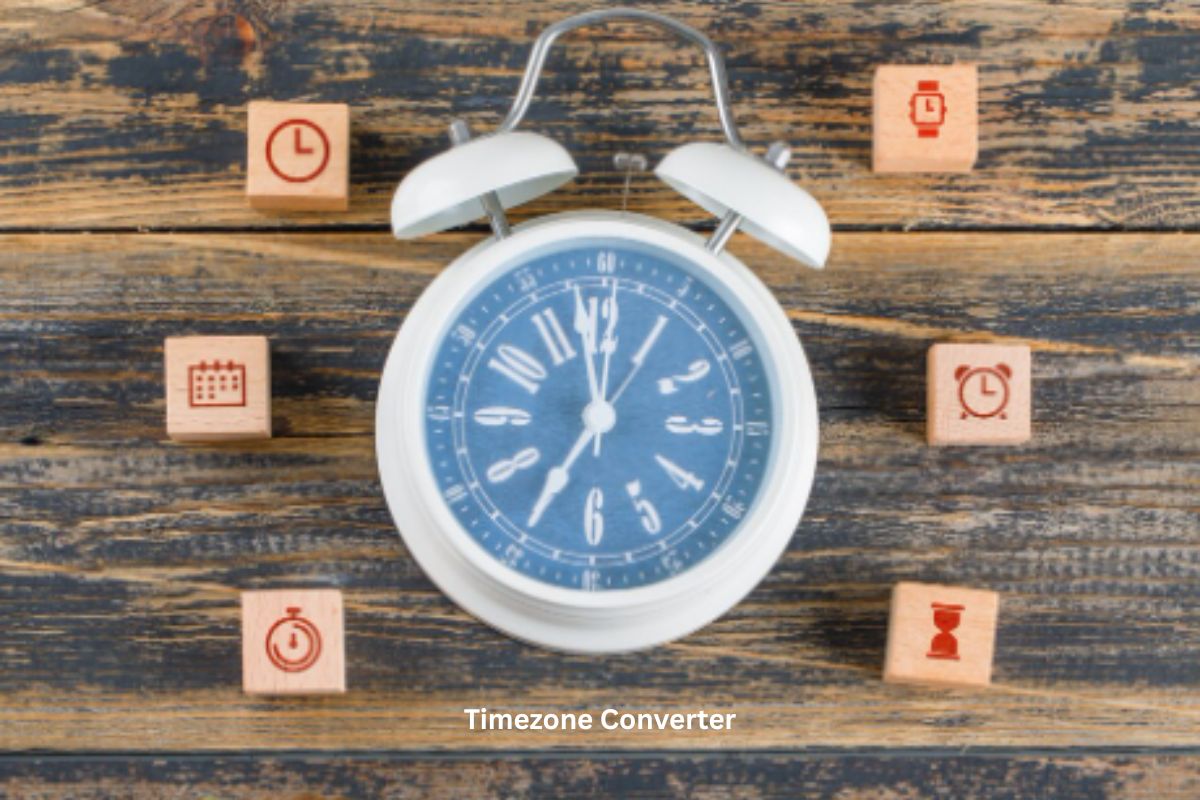
Ever scheduled a call and realized you got the time wrong? It happens more than you’d expect. Different countries, different time zones, and suddenly everything feels confusing. That’s where a Timezone Converter helps.
Instead of guessing or counting hours manually, you can use a Time Zone Conversion Tool to get the exact time instantly. It keeps your schedule on track and avoids awkward mistakes.
What is a Timezone Converter
A Timezone Converter is a tool that converts time from one location to another.
For example, if it’s 3 PM in London, you can quickly check what time it is in New York or Karachi.
It removes the need for manual calculations and gives you accurate results in seconds. A Time Zone Conversion Tool makes global communication much easier.
How a Timezone Converter Works
A Timezone Converter uses time zone data and offsets to calculate the correct time difference.
Here’s how it works:
- Enter a specific time
- Select the original time zone
- Choose the target time zone
- Get the converted time instantly
The tool adjusts for differences in hours and even handles daylight saving changes automatically.
Understanding Time Zones
Each region has a specific offset from Coordinated Universal Time (UTC).
For example:
- UTC+5 (Pakistan)
- UTC+0 (UK)
- UTC-5 (USA Eastern Time)
A Time Zone Conversion Tool uses these offsets to calculate accurate results.
Example
If it’s 10 AM in Pakistan (UTC+5) and you want to convert it to New York (UTC-5):
There is a 10-hour difference. So the time in New York would be 12 AM.
A Timezone Converter handles this instantly without confusion.
Benefits of Using a Time Zone Conversion Tool
Using a Time Zone Conversion Tool can save you from a lot of trouble.
1. Avoid Scheduling Errors
No more missed meetings due to wrong timing.
2. Save Time
Manual calculations take time and can lead to mistakes.
3. Improve Communication
Helps you connect with people across different countries easily.
4. Useful for Remote Work
Teams working globally rely on a Timezone Converter daily.
5. Easy to Use
Simple interface makes it accessible for everyone.
Real-Life Uses of Timezone Conversion
A Timezone Converter is useful in many everyday situations.
Remote Jobs
Working with international clients? You need to track multiple time zones.
Online Meetings
Scheduling Zoom or Teams calls becomes easier with a Time Zone Conversion Tool.
Travel Planning
Knowing local time helps you plan flights and activities better.
Freelancing
Freelancers often deal with clients from different countries.
Event Planning
Global webinars and events require accurate time coordination.
Tips for Accurate Time Conversion
Even though a Timezone Converter is simple, a few tips can help you avoid mistakes.
Always Check Daylight Saving
Some countries adjust clocks seasonally. A good Time Zone Conversion Tool accounts for this.
Double-Check AM and PM
A small mistake here can shift your schedule by 12 hours.
Use Reliable Tools
Not all converters are accurate. Use trusted tools like CalcVersa.
Confirm Before Important Events
Always verify the time before meetings or deadlines.
Keep Time Zones Saved
If you work with the same regions often, save them for quick access.
Why Choose CalcVersa Timezone Converter
CalcVersa makes time conversion simple and reliable. It’s built for users who want quick answers without confusion.
Clean Interface
No complicated steps. Just enter and convert.
Fast Results
The Timezone Converter works instantly.
Accurate Data
Handles time zone differences and daylight saving correctly.
Beginner-Friendly
Even first-time users can use it easily.
Reliable Performance
You get consistent and accurate results every time.
[INTERNAL LINK: Date Calculator guide]
Common Mistakes to Avoid
Even with a Timezone Converter, mistakes can happen.
- Ignoring daylight saving changes
- Mixing up AM and PM
- Using outdated tools
- Guessing time differences
Avoid these issues to stay accurate.
How to Use a Time Zone Conversion Tool Efficiently
Follow this simple process for best results:
- Enter the exact time
- Select the correct time zones
- Double-check the result
- Confirm before scheduling
It only takes a few seconds but prevents major errors.
Conclusion
A Timezone Converter is a simple tool that solves a big problem. Whether you’re working, traveling, or connecting with people globally, it keeps everything on track.
Using a reliable Time Zone Conversion Tool like CalcVersa helps you stay organized and avoid confusion. You save time, reduce errors, and manage your schedule better.
If you deal with different time zones even occasionally, this tool is a must-have. Try it and make your planning easier from day one.
FAQ SECTION:
Q1: What is a Timezone Converter used for?
A1: A Timezone Converter is used to convert time between different regions accurately.
Q2: Is a Time Zone Conversion Tool accurate?
A2: Yes, especially if it includes real-time data and daylight saving adjustments.
Q3: Why do time zones differ?
A3: Time zones are based on the Earth’s rotation and geographic regions.
Q4: Can I use a Timezone Converter for business meetings?
A4: Yes, it’s widely used for scheduling international meetings.
Q5: Does a Time Zone Conversion Tool handle daylight saving?
A5: Most reliable tools automatically adjust for daylight saving changes.
Q6: Why choose CalcVersa Timezone Converter?
A6: It offers fast, accurate, and easy time conversions with a user-friendly interface.