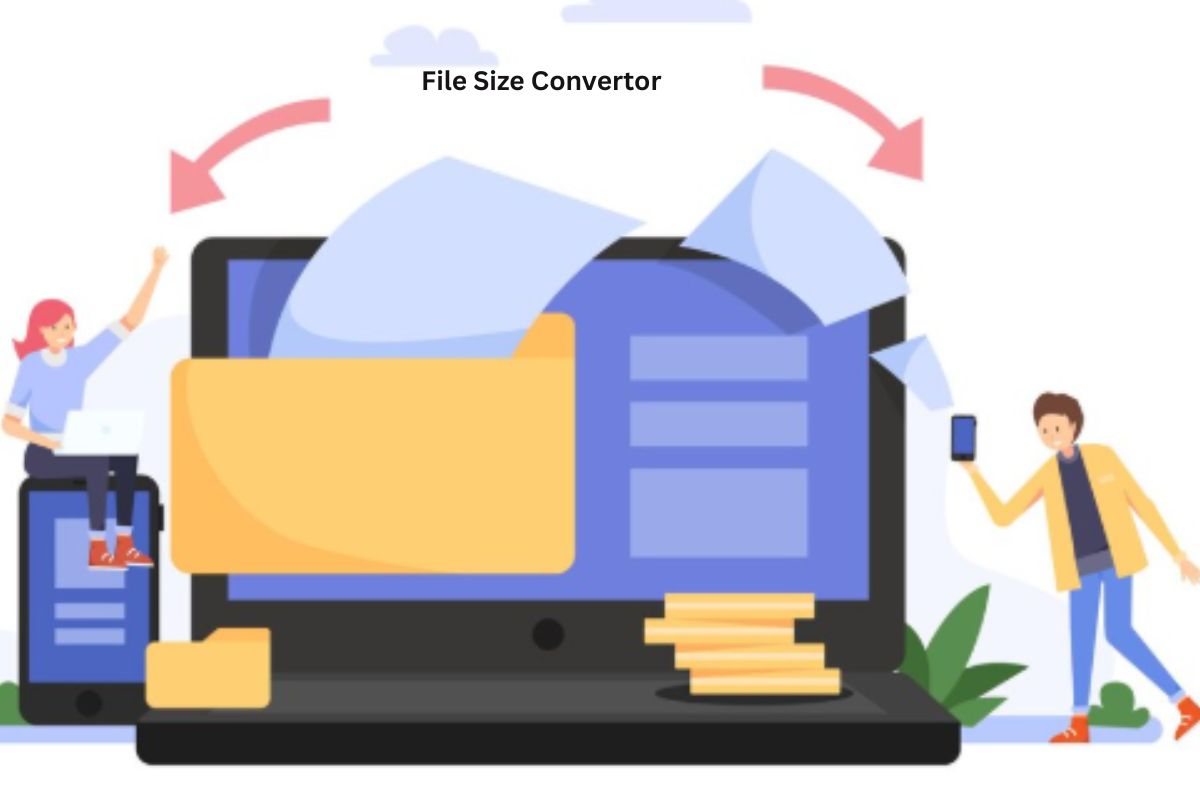
Ever tried uploading a file and got stuck because of size limits? It happens more often than you’d think. That’s where a File Size Convertor becomes useful. Instead of guessing or doing manual calculations, you can instantly convert file sizes and get the exact value you need.
Whether you’re working with documents, images, or videos, a File Size Convertor tool helps you stay in control. It’s simple, fast, and saves you from unnecessary frustration.
What is a File Size Convertor
A File Size Convertor is a tool that lets you convert digital storage units from one format to another.
For example, you can convert:
- Kilobytes (KB) to Megabytes (MB)
- Megabytes (MB) to Gigabytes (GB)
- Gigabytes (GB) to Terabytes (TB)
Instead of calculating manually, the tool does everything instantly. This makes it easier to manage files, especially when dealing with size limits.
How a File Size Convertor Works
A File Size Convertor uses simple mathematical formulas based on digital storage units.
Here’s how it works:
- Enter the file size value
- Select the current unit
- Choose the unit you want
- Get instant results
The tool multiplies or divides values using standard conversion rules.
Example Conversion
- 1 MB = 1024 KB
- 1 GB = 1024 MB
If you convert 2048 MB to GB:
2048 ÷ 1024 = 2 GB
A File Size Convertor tool handles this instantly without errors.
Why You Need a File Size Convertor Tool
You might think this is something you can calculate yourself. But in real situations, it’s not always that simple.
1. Avoid Upload Errors
Many platforms have strict file size limits. A File Size Convertor helps you stay within those limits.
2. Save Time
Manual conversions take time. A tool gives instant results.
3. Improve Workflow
Whether you’re editing videos or sharing documents, knowing exact file sizes keeps things smooth.
4. Useful for Students and Professionals
Assignments, presentations, and reports often have size restrictions.
5. Better File Management
Understanding file sizes helps you organize storage more efficiently.
Common File Size Units Explained
To use a File Size Convertor properly, you should know the basic units.
Kilobyte (KB)
- Small files like text documents
- 1 KB = 1024 bytes
Megabyte (MB)
- Images, PDFs, small apps
- 1 MB = 1024 KB
Gigabyte (GB)
- Videos, software, large files
- 1 GB = 1024 MB
Terabyte (TB)
- Large storage systems
- 1 TB = 1024 GB
A File Size Convertor tool makes switching between these units effortless.
Real-Life Uses of File Size Conversion
A File Size Convertor is something you’ll use more often than you expect.
Uploading Files
Websites often limit uploads to a certain size. Converting helps you check before uploading.
Email Attachments
Email platforms have size limits. You can adjust files accordingly.
Video Editing
Video files are large. Converting helps you manage storage and exports.
Cloud Storage
Understanding file sizes helps you avoid running out of space.
App Development
Developers often need to optimize file sizes for performance.
Tips for Using a File Size Convertor Efficiently
Using a File Size Convertor tool is easy, but a few tips can make it even better.
Double-Check Units
Always confirm whether you’re using KB, MB, or GB. Small mistakes can lead to big differences.
Know Platform Limits
Before converting, check the size limits of the platform you’re using.
Keep Original Files
Don’t overwrite your original files. Keep a backup.
Use Trusted Tools
Accuracy matters. Use a reliable File Size Convertor like CalcVersa.
Avoid Guesswork
Never estimate file sizes. Always use a proper tool.
Why Choose CalcVersa File Size Convertor
CalcVersa makes file size conversion simple and quick. It’s designed for everyday users who want accurate results without complications.
Clean Interface
No confusion. Just enter your value and convert instantly.
Fast Results
The File Size Convertor works in seconds.
Accurate Calculations
You get precise conversions every time.
Easy to Use
Even beginners can use it without any issues.
Works for All Users
Students, professionals, and casual users can all benefit.
[INTERNAL LINK: Unit Converter guide]
Common Mistakes to Avoid
Even a simple tool like a File Size Convertor can be misused.
- Mixing up units
- Forgetting conversion rules
- Using outdated tools
- Relying on rough estimates
Avoid these mistakes to get accurate results every time.
How to Use a File Size Convertor Tool Properly
If you want the best results, follow this simple approach:
- Enter the exact file size
- Select the correct unit
- Choose the desired output unit
- Verify the result
It only takes a few seconds but saves you from errors and confusion.
Conclusion
A File Size Convertor is one of those tools that quietly makes your digital life easier. From uploading files to managing storage, it plays a bigger role than most people realize.
Using a reliable File Size Convertor tool like CalcVersa helps you stay accurate, save time, and avoid unnecessary problems.
If you deal with files daily, this tool is a must-have. Try it once and you’ll wonder how you managed without it.
FAQ SECTION:
Q1: What is a File Size Convertor used for?
A1: A File Size Convertor is used to convert file sizes between units like KB, MB, GB, and TB.
Q2: Is a File Size Convertor tool accurate?
A2: Yes, it provides precise results based on standard conversion formulas.
Q3: Why are file size conversions important?
A3: They help manage storage, meet upload limits, and improve file handling.
Q4: Can I convert file sizes manually?
A4: Yes, but it’s slower and more error-prone compared to using a tool.
Q5: Who should use a File Size Convertor?
A5: Anyone who works with digital files, including students, professionals, and content creators.
Q6: Why choose CalcVersa File Size Convertor?
A6: It offers fast, accurate, and simple conversions for everyday use.