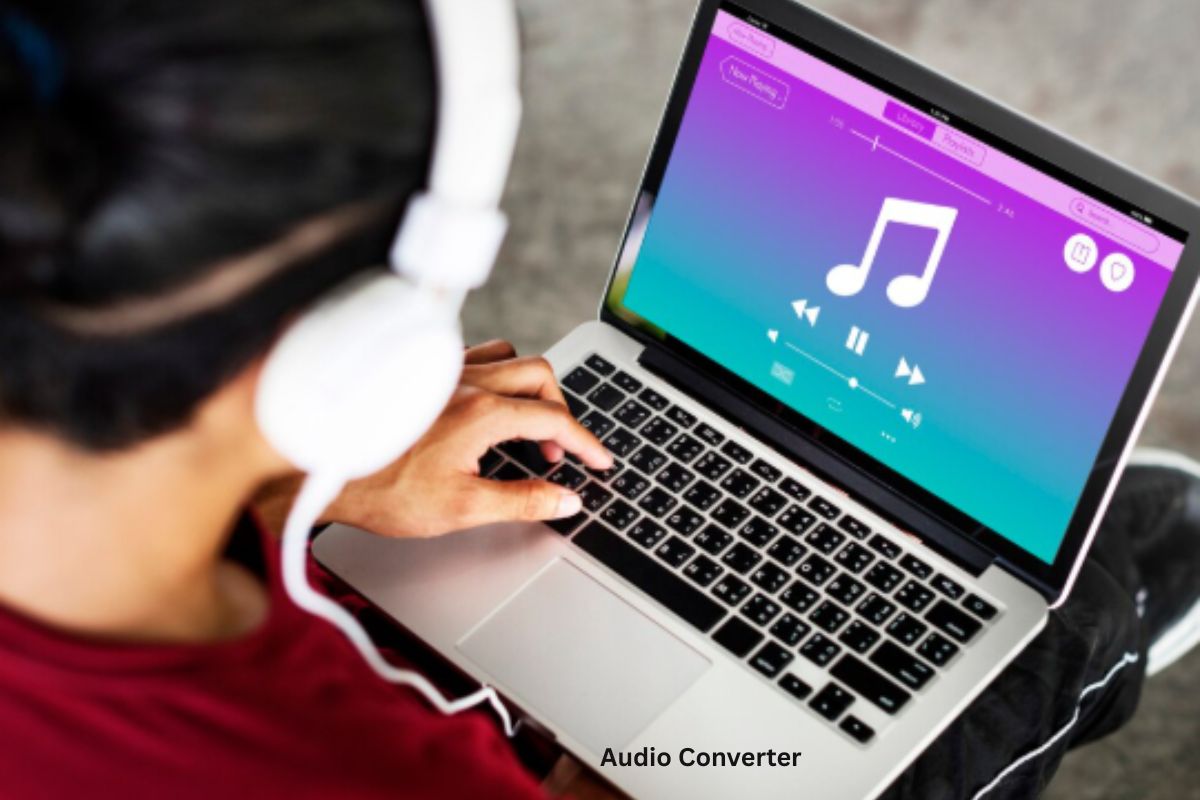
You’ve probably had that moment. You try to play a file, and it just doesn’t work. Wrong format. Wrong device. It’s frustrating. That’s where an Audio Converter saves the day.
Instead of searching for complicated fixes, you can simply convert your file into the format you need. A good Best Audio Converter tool makes this process quick and stress-free. Whether you’re editing, sharing, or just listening, it keeps things simple.
What is an Audio Converter
An Audio Converter is a tool that changes an audio file from one format to another.
For example, you can convert:
- MP3 to WAV
- WAV to AAC
- FLAC to MP3
It helps make files compatible with different devices, apps, and platforms.
Instead of being stuck with one format, you get flexibility. That’s why many people rely on a Best Audio Converter tool for everyday tasks.
How an Audio Converter Works
The process is simple, even if you’re not tech-savvy.
- Upload your audio file
- Choose the output format
- Click convert
- Download the new file
Behind the scenes, the Audio Converter re-encodes the audio data into a new format. It may also compress or adjust quality depending on your settings.
Lossy vs Lossless Conversion
This part matters if you care about sound quality.
- Lossy formats (like MP3) reduce file size but lose some quality
- Lossless formats (like FLAC) keep full quality but are larger
A Best Audio Converter tool lets you choose what works best for you.
Benefits of Using an Audio Converter
An Audio Converter isn’t just for tech experts. It’s useful for anyone who deals with audio files.
1. Fix Compatibility Issues
Some devices only support specific formats. Conversion solves that instantly.
2. Save Storage Space
Convert large files into smaller formats without noticeable quality loss.
3. Improve Sharing
Smaller files are easier to upload and send.
4. Customize Audio Settings
You can adjust bitrate, quality, and format to match your needs.
5. Save Time
No need to re-record audio. Just convert it in seconds.
Common Audio Formats Explained
Knowing formats helps you use an Audio Converter better.
MP3
- Most popular format
- Small size
- Works on almost all devices
WAV
- High quality
- Large file size
- Used for editing
AAC
- Better quality than MP3 at similar size
- Common on mobile devices
FLAC
- Lossless format
- Best for music lovers
- Larger files
A Best Audio Converter tool makes switching between these formats easy.
Real-Life Uses of Audio Conversion
You might not realize how often you need an Audio Converter.
Content Creation
Podcasters and YouTubers convert audio for editing and uploading.
Music Management
People convert songs to match their device or storage needs.
Online Learning
Students convert lectures into portable formats for easy listening.
Social Media
Short audio clips need proper formats to upload smoothly.
Business Use
Companies convert recordings for presentations or archives.
Tips for Choosing the Best Audio Converter Tool
Not all tools are equal. Some are slow, confusing, or unreliable.
Here’s what to look for in a Best Audio Converter tool:
Easy Interface
You shouldn’t need a manual to use it.
Fast Conversion Speed
Time matters. Choose a tool that works quickly.
Format Options
More formats mean more flexibility.
Quality Control
Look for options like bitrate adjustment.
Security
Your files should stay private and safe.
Why Choose CalcVersa Audio Converter
If you want something simple and effective, CalcVersa is a solid choice.
Clean Design
No clutter. Just upload, convert, and download.
Quick Results
The Audio Converter works fast, even with large files.
Reliable Output
You get consistent quality every time.
Multiple Formats
Supports a wide range of audio formats for different needs.
Beginner-Friendly
Anyone can use it without technical knowledge.
[INTERNAL LINK: File Converter guide]
Common Mistakes to Avoid
Even with a good Audio Converter, mistakes can happen.
- Choosing the wrong format
- Ignoring quality settings
- Converting multiple times (reduces quality)
- Using unreliable tools
Avoid these, and your results will always be better.
How to Use an Audio Converter Efficiently
Want better results? Follow this simple approach:
- Pick the right format for your purpose
- Set quality based on usage
- Convert once to avoid quality loss
- Save original files as backup
Using a Best Audio Converter tool properly saves time and keeps your audio clear.
Conclusion
An Audio Converter is one of those tools you don’t think about until you really need it. Once you start using it, you realize how useful it is.
From fixing compatibility issues to saving storage and improving audio handling, it makes everything easier. A reliable Best Audio Converter tool like CalcVersa gives you fast results without complications.
If you deal with audio files even occasionally, it’s worth having this tool ready. Try it once and you’ll see how much smoother your workflow becomes.
FAQ SECTION:
Q1: What is an Audio Converter used for?
A1: An Audio Converter is used to change audio files from one format to another for compatibility and usability.
Q2: Does converting audio reduce quality?
A2: It depends on the format. Lossy formats reduce quality, while lossless formats keep it intact.
Q3: What is the Best Audio Converter tool for beginners?
A3: A simple and user-friendly tool like CalcVersa is ideal for beginners.
Q4: Can I convert audio files on my phone?
A4: Yes, many Audio Converter tools work on mobile devices.
Q5: Which format is best for music?
A5: FLAC for quality, MP3 for smaller size and compatibility.
Q6: Is it safe to use an Audio Converter online?
A6: Yes, as long as you use a trusted and secure platform like CalcVersa.