
Calculate what percentage one number is of another
Solve common percentage problems quickly
Find the percentage difference between two values
Calculate increase or decrease by a percentage
Welcome to the Percentage Calculator on CalcVersa — a free online tool that helps you calculate percentages, find percentage increases or decreases, and determine the part or whole value based on percentage rules.
Whether you’re solving math problems, analyzing data, or comparing values, this calculator gives you accurate percentage results in seconds.
Start using the tool below or explore more useful calculators on the CalcVersa
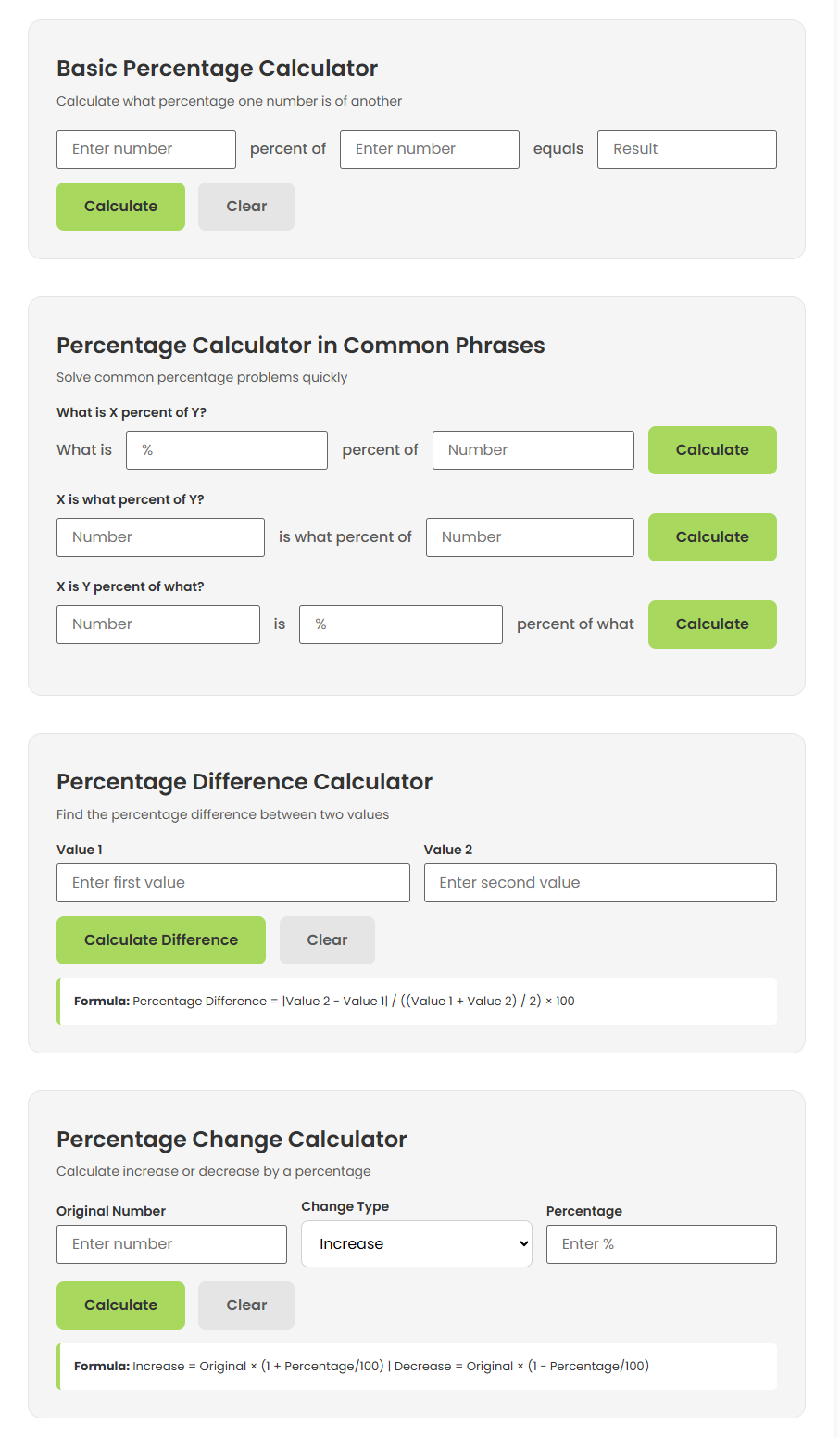
This calculator helps you:
You can use this tool for many situations, including:
If you need more math-related tools, check out the High School GPA Calculator or Percentage Decrease Calculator on CalcVersa.
Understanding the formulas makes it easier to use the calculator effectively.
Formula:
Percentage Value = (Part ÷ Whole) × 100
Example:
What is 25% of 200?
→ (25 ÷ 100) × 200 = 50
Formula:
Percentage = (Part ÷ Total) × 100
Example:
What percent is 50 of 200?
→ (50 ÷ 200) × 100 = 25%
To find the percentage change between two values:
Percentage Change = ((New − Old) ÷ Old) × 100
Example – Increase:
Old value: 100
New value: 125
→ ((125 − 100) ÷ 100) × 100 = 25% increase
Example – Decrease:
Old value: 100
New value: 80
→ ((80 − 100) ÷ 100) × 100 = −20% decrease
These formulas help you interpret trends and compare values.
Follow these simple steps:
This makes it easy to solve everyday percentage problems without manual math.
Here are some common real-world situations:
Original price: $80
Discount: 25%
→ Discount amount = (25 ÷ 100) × 80 = $20
Final price = $80 − $20 = $60
You scored 45 out of 60. What percentage is that?
→ (45 ÷ 60) × 100 = 75%
Last year sales: $50,000
This year sales: $60,000
Percentage increase = ((60,000 − 50,000) ÷ 50,000) × 100 = 20%
A percentage calculator is a tool that helps you compute the percentage value of numbers and percentage change between values.
You can calculate percentage using basic formulas like (Part ÷ Whole) × 100.
Use ((New − Old) ÷ Old) × 100 to determine the change
Yes. Simply input the numbers and choose the appropriate calculation type.
This tool eliminates manual errors and gives fast, accurate percentage results for everyday needs.
CalcVersa provides reliable calculators to simplify everyday tasks. Once you’ve used this tool, explore the Math Calculators and choose the right tool as base on your need.
© 2026 CalcVersa. All rights reserved.