
A file size converter helps convert the amount of storage space in a digital format from one unit to another. For example, converting megabytes to gigabytes and kilobytes to bytes is done using a file size converter. You can use this application in cases where you require to compare file sizes or to know how much storage space is required or allowed for certain actions. File size conversion using CalcVersa allows you to input the number to be converted, select the initial and target units, and obtain results immediately.
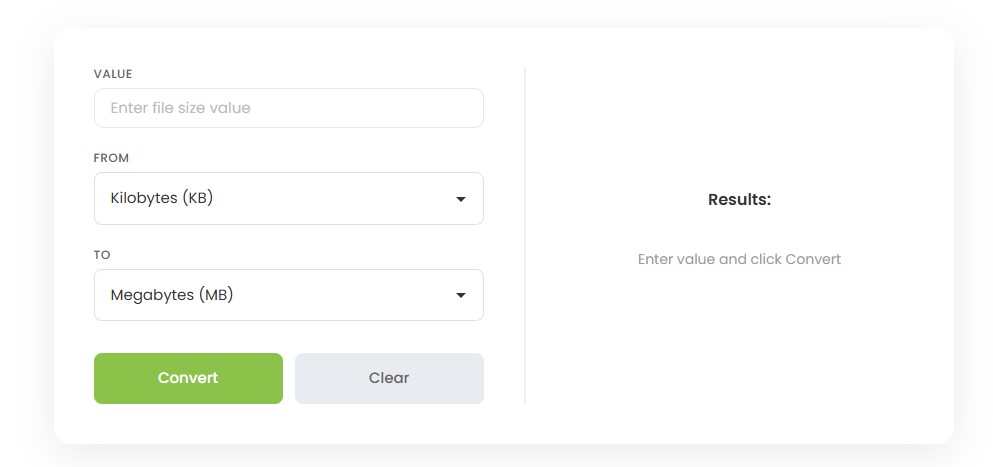
Sizes of digital files are given using a variety of different units, where the minimum measurement can be a byte while the larger drives and backups use units such as terabytes. The file size conversion calculator is meant to make it easier to convert one unit into another since the way that computers and applications display sizes can be very different.
The purpose of the file size calculator is to help people complete actual tasks using the tool. For example, one may need to convert KB to MB if he or she wants to know the size of a file, or perhaps convert GB to MB or KB to GB if the number looks too big or too small.
Using the converter takes a few seconds:
Use Clear to reset the fields and start a new conversion.
It works on the concept of hierarchical system, in which each level is a larger number of data compared to the previous level.
The byte is the fundamental storage unit in computing. It consists of 8 bits and it is very small to be able to fit in almost just a single letter.
The kilobyte contains approximately a thousand bytes. It is used to measure small text documents, emails, and documents in general.
The megabyte is approximately a thousand kilobytes. Documents containing photos, songs, and several pages are mostly counted in MBs.
The gigabyte is about a thousand megabytes. This is normally used to measure video documents, large software installation files, and phone storage capacity.
The terabyte is equivalent to approximately a thousand gigabytes. Hard disks and back-up units among other data stores are normally measured using TBs.
No. One MB is greater than one KB. According to the decimal notation that is normally used when measuring the size of a computer file, 1 MB is equal to 1,000 KB, which means that a megabyte contains a thousand times more information than a kilobyte does. In the binary notation system, 1 MiB is equal to 1,024 KiB.
The GB is larger than the MB just like the MB is larger than the KB. In terms of decimal numbering system, 1 GB is equivalent to 1,000 MB. In terms of binary numbering system, 1 GiB is equivalent to 1,024 MiB. That is the reason why a 4 GB file can appear to be equal to 4,000 MB in one situation and a little different in another – depending on the numbering system being applied.
A few practical, decimal-based examples:
Conversion | Result |
|---|---|
1,000 KB | 1 MB |
500 MB | 0.5 GB |
2,000 MB | 2 GB |
1 GB | 1,000 MB |
5,000,000 KB | 5 GB |
1 PB | 1,000 GB |
These figures use decimal (1,000-based) units. Binary (1,024-based) conversions will produce slightly different results.
File sizes can be measured two different ways, and mixing them up is a common source of confusion.
Neither system is “wrong” — they’re just different standards. Storage manufacturers typically use decimal units, while some operating systems display binary values but still label them KB, MB, or GB. This is why a drive marketed as “1 TB” can show a slightly lower figure once it’s plugged in. The binary prefixes (KiB, MiB, GiB, TiB) were formally defined by the IEC to remove this ambiguity, and NIST maintains a reference table showing how each binary prefix relates to its decimal counterpart.
File size conversion comes up more often than most people expect:
The distinction between changing the size of a file and compressing a file should be noted. Changing the size of a file only alters the way in which the amount of data is described. For instance, 1,500 megabytes and 1.5 gigabytes represent exactly the same amount of data but in different ways. Compression, however, alters the amount of storage space that is used to store the data in a file.
Working with digital files often involves more than one type of conversion. If you need to change an image’s file format, the Image Converter can help. For broader measurement conversions beyond digital storage, try the Unit Converter. Handling currency figures alongside file data? The Currency Converter covers that. For audio files specifically, the Audio Converter is built for format conversion, and if you’re coordinating file transfers or deadlines across regions, the Timezone Converter can help keep things aligned.
A file size converter is a device that converts a digital storage figure from one unit to another, such as converting megabytes into gigabytes. It helps in comparing file sizes, checking out for any storage limits, and comprehending values that appear in different ways on different devices and softwares.
Key in your figure in kilobytes, choose KB as your 'From' unit and MB as your 'To' unit, then proceed by clicking the convert button. In the decimal system, 1,000 KB is equal to 1 MB, and therefore your value will be divided accordingly.
Choose MB as your 'From' unit and GB as your 'To' unit, key in your figure, and convert. In the decimal system, 1,000 MB is equal to 1 GB, hence larger figures in MB become smaller and manageable in GB.
Yes. Megabyte is much bigger compared to kilobyte. Under decimal system, 1 MB is equal to 1,000 KB.
A gigabyte is much bigger in size than a megabyte. According to the decimal system, 1GB = 1,000MB. Therefore, videos and other large files are calculated in terms of GB instead of MB.
According to the decimal system, 1GB is equal to 1,000,000KB, where 1GB = 1,000MB and 1MB = 1,000KB. However, according to the binary system, 1GiB = 1,048,576KiB.
KB (kilobyte) means 1,000 bytes according to the decimal system whereas KiB (kibibyte) means 1,024 bytes according to the binary system. Although they look similar, both have different values.
Systems that use decimal measurements (of 1,000), while others use binary measurements (of 1,024), but still label them as KB, MB, or GB, respectively, leading to confusion.
CalcVersa provides easy-to-use online calculators designed to help users make informed financial decisions.
Explore additional tools like the Loan Calculator and other financial planning calculators on the CalcVersa.